
PREMIUM LOGIN
ClassTools Premium membership gives access to all templates, no advertisements, personal branding and many other benefits!
| Username: | ||
| Password: | ||
|
Submit
Cancel
|
||
| Not a member? | ||
PREMIUM LOGIN
ClassTools Premium membership gives access to all templates, no advertisements, personal branding and many other benefits!
| Username: | ||
| Password: | ||
|
Submit
Cancel
|
||
| Not a member? | ||
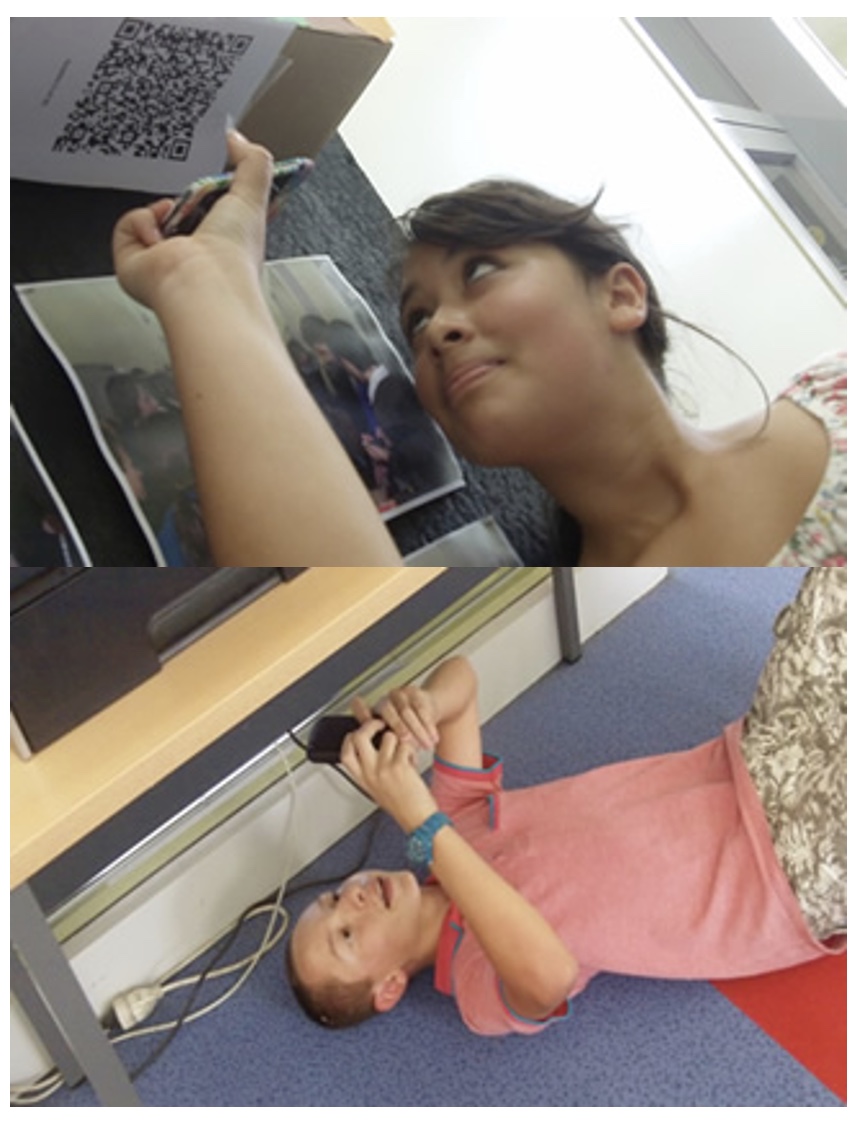
1. Arrange students into groups. Each group needs at least ONE person who has a mobile device.
2. If their phone camera doesn't automatically detect and decode QR codes, ask students to
4. Cut them out and place them around your class / school.
1. Give each group a clipboard and a piece of paper so they can write down the decoded questions and their answers to them.
2. Explain to the students that the codes are hidden around the school. Each team will get ONE point for each question they correctly decode and copy down onto their sheet, and a further TWO points if they can then provide the correct answer and write this down underneath the question.
3. Away they go! The winner is the first team to return with the most correct answers in the time available. This could be within a lesson, or during a lunchbreak, or even over several days!
4. A detailed case study in how to set up a successful QR Scavenger Hunt using this tool can be found here.
Question | Answer |
| 1. Find your way to an outside door approx. 2-3 carparks away from Colm’s truck. The ‘motors’ are fenced in next to this door. | Holland side entrance – view map. | 2. Take a photo of this map. This is the Holland building map. You quickly glance at this building map to locate the area/location where the sensor has been activated. Today, #3 is red. While other staff and the fire wardens are getting the girls out of the building and onto Cherrington Lawn, you head to this area to evacuate these students, as they are the ones most at danger. Head to area #3 now to evacuate the students. | Downstairs Holland - joined wing - Daan's room. | 3. Nothing on here. You recheck the panel and now area #2 is showing RED. Head to this area to check it out. | Holland upstairs towards left. | 4. Something is definitely up with the smoke detectors. Perhaps we’ve got bugs crawling inside them which is setting them off. The light sensor is now flashing and normal. I think something is going on in another building. Head to the entrance where the ‘oldest girls’ prefer to enter their boarding facility. Here you will find a different map to the left of the outside door. Clue: a code is needed for these oldies to enter through this door. | Johnston Entrance – view map. | 5. Take a photo of this map. This is the Johnston building map. Head immediately to location #2 to discover if the fire really is here or if it’s simply another bug. | East wing of Johnston dorm (Alison’s room). | 6. Sadly, there’s nothing to be seen here. This is starting to get frustrating. The issue must surely be in the building with the most traffic. Head towards the ‘circle’. Although not the school ‘hall’, we sure do have a lot of people enter through these doors each Friday afternoon. Head there now. If you see two bench seats (one on your left and one on your right), you’re in the right place. | Bishops Hall entrance – main entrance, roundabout side. | 7. This is another building map which is the one we will mostly read from; only because the alarms seem to go off in this building more than anywhere else. Area #9 is showing RED. Head there immediately and note the room responsible. | Bishops Hall, downstairs far dorm. | 8. We’ve noticed another light has been activated on the panel. We must clear this area also. We now realise it is area 20. Let’s see whose room this is and note it down on paper. | upstairs Herft first dorm. | 9. You continue to vacate the building via area 24. However, before heading out of the building, you notice a SOLID RED LIGHT on in area 24 – check it out | Davis upstairs via Herft. | 10. There is clearly no fire but the light stays solid red in this area. Record the room number. You've now got good information to share with the Property team who will be on their way to reset the alarm panel and give you the all clear to re-enter the buildings. Take your last letter(s) and head back to today’s meeting venue to decipher the final message by joining your words. | Johnston lounge. |

Question 1 (of 10)
Question 2 (of 10)
Question 3 (of 10)
Question 4 (of 10)
Question 5 (of 10)
Question 6 (of 10)
Question 7 (of 10)
Question 8 (of 10)
Question 9 (of 10)
Question 10 (of 10)