
PREMIUM LOGIN
ClassTools Premium membership gives access to all templates, no advertisements, personal branding and many other benefits!
| Username: | ||
| Password: | ||
|
Submit
Cancel
|
||
| Not a member? | ||
PREMIUM LOGIN
ClassTools Premium membership gives access to all templates, no advertisements, personal branding and many other benefits!
| Username: | ||
| Password: | ||
|
Submit
Cancel
|
||
| Not a member? | ||
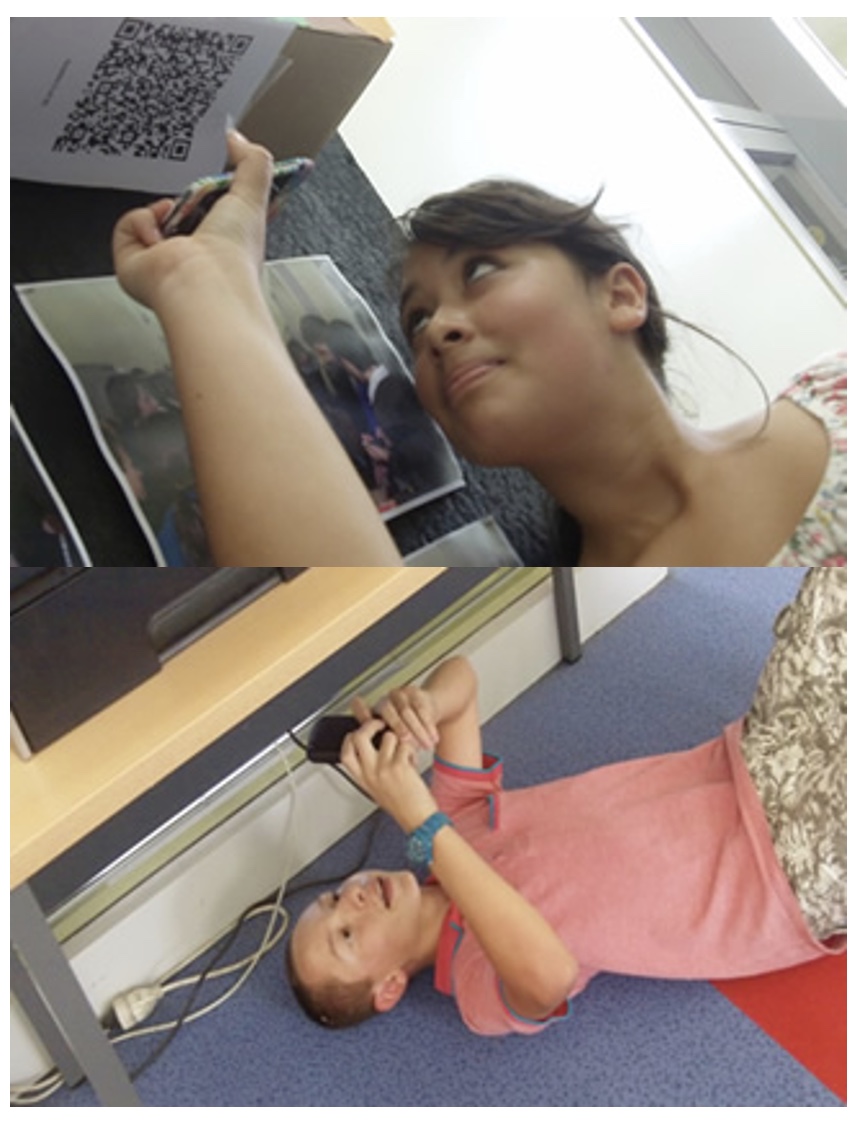
1. Arrange students into groups. Each group needs at least ONE person who has a mobile device.
2. If their phone camera doesn't automatically detect and decode QR codes, ask students to
4. Cut them out and place them around your class / school.
1. Give each group a clipboard and a piece of paper so they can write down the decoded questions and their answers to them.
2. Explain to the students that the codes are hidden around the school. Each team will get ONE point for each question they correctly decode and copy down onto their sheet, and a further TWO points if they can then provide the correct answer and write this down underneath the question.
3. Away they go! The winner is the first team to return with the most correct answers in the time available. This could be within a lesson, or during a lunchbreak, or even over several days!
4. A detailed case study in how to set up a successful QR Scavenger Hunt using this tool can be found here.
Question | Answer |
| 1. 1. What is the name of your Tech Club leader? | Miss Buck | 2. 2. Go back to the classroom, get a Sphero, record a video of a team member using the Draw and Drive app to make the Sphero move in a heart shape. | video | 3. 3. Go to the place where teachers eat lunch. Take a picture of the picture on the door. | picture of door | 4. 4. Go back to Miss Buck's room and find the marked country on her globe. Once you find it, go to Google and figure out what kind of currency, or money, the country uses. | Ireland-Euro | 5. 5. Find the camera app on your iPad. Make a short time-lapse video of the youngest person in your group. Make sure it saves to your iPad to show to Miss Buck. | Timelapse | 6. 6. Use the calculator on your iPad to figure out this word problem: 6+3+4+5+6+7+5+6+4 = ? | 50 | 7. 7. Find Miss Buck's mailbox where little MRE students get picked up by their parents! There is something inside. Each group takes one. Bring it back to the classroom and use it to find the next answer. | Flashdrive/puppy baby monkey | 8. 8. Take a selfie of your whole group using the iPad! If you are missing any team members in the picture, it will NOT count! | selfie | 9. 9. Go back to Miss Buck's class. Have one of your team members create a new Google Doc titled, "Tech Club ROCKS!" and type all of your team members' names. Share the document with me! rbuck@smcsc.com | Google Doc | 10. 10. Go to the place where you can buy pencils, pens, etc. from a machine... read the sign when you get there... | take one |

Question 1 (of 10)
Question 2 (of 10)
Question 3 (of 10)
Question 4 (of 10)
Question 5 (of 10)
Question 6 (of 10)
Question 7 (of 10)
Question 8 (of 10)
Question 9 (of 10)
Question 10 (of 10)