
PREMIUM LOGIN
ClassTools Premium membership gives access to all templates, no advertisements, personal branding and many other benefits!
| Username: | ||
| Password: | ||
|
Submit
Cancel
|
||
| Not a member? | ||
PREMIUM LOGIN
ClassTools Premium membership gives access to all templates, no advertisements, personal branding and many other benefits!
| Username: | ||
| Password: | ||
|
Submit
Cancel
|
||
| Not a member? | ||
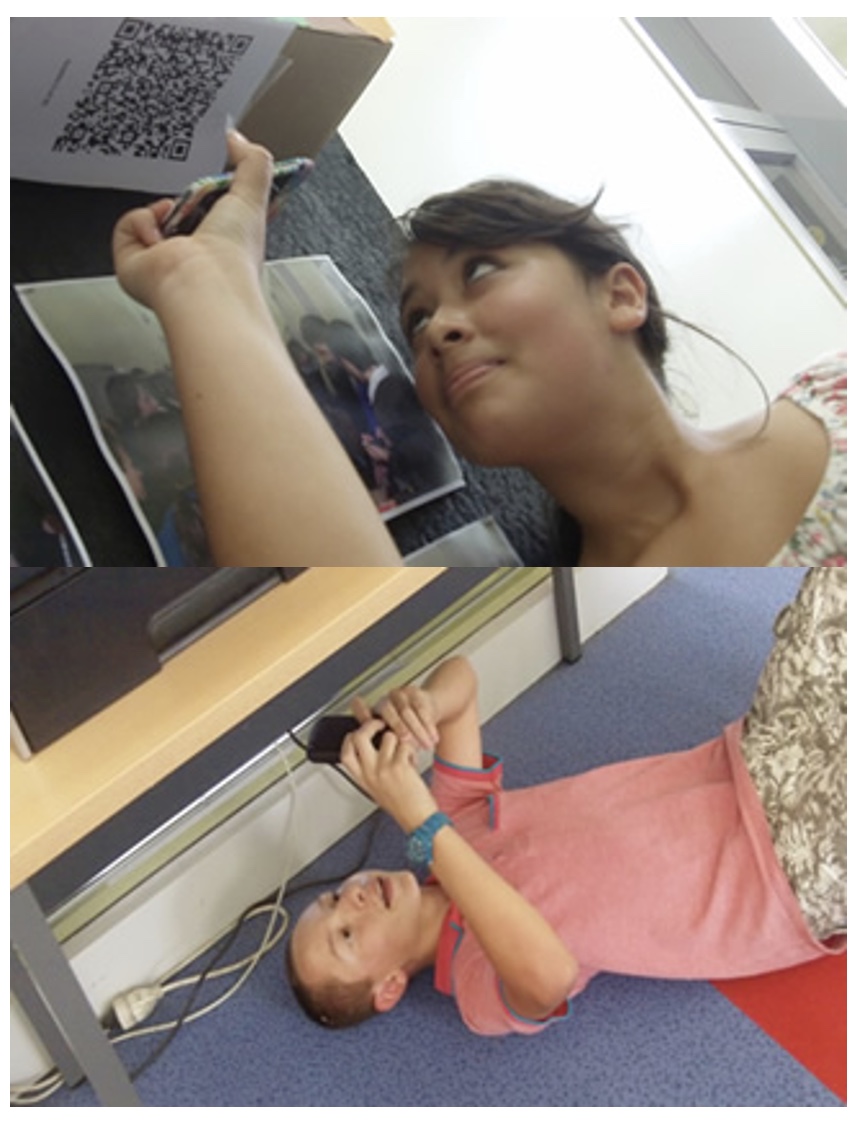
1. Arrange students into groups. Each group needs at least ONE person who has a mobile device.
2. If their phone camera doesn't automatically detect and decode QR codes, ask students to
4. Cut them out and place them around your class / school.
1. Give each group a clipboard and a piece of paper so they can write down the decoded questions and their answers to them.
2. Explain to the students that the codes are hidden around the school. Each team will get ONE point for each question they correctly decode and copy down onto their sheet, and a further TWO points if they can then provide the correct answer and write this down underneath the question.
3. Away they go! The winner is the first team to return with the most correct answers in the time available. This could be within a lesson, or during a lunchbreak, or even over several days!
4. A detailed case study in how to set up a successful QR Scavenger Hunt using this tool can be found here.
Question | Answer |
| 1. What is the full name of your elementary school | Noel A. Smith Elementary | 2. Who is the Assistant Principal | Terry Walsh | 3. What time is lunch | 12:45-1:15 | 4. What time are specials | 10:10-10:55 | 5. Where does 5th grade go in November | Camp Pine Cove | 6. How many 5th grade teachers are there | 6 | 7. What day do we have Celebrate Smith | Friday | 8. What song is played before Celebrate Smith,every week | Celebration | 9. Who is the Principal | Matt Kimball | 10. What state is he from | Alaska |

Question 1 (of 10)
Question 2 (of 10)
Question 3 (of 10)
Question 4 (of 10)
Question 5 (of 10)
Question 6 (of 10)
Question 7 (of 10)
Question 8 (of 10)
Question 9 (of 10)
Question 10 (of 10)