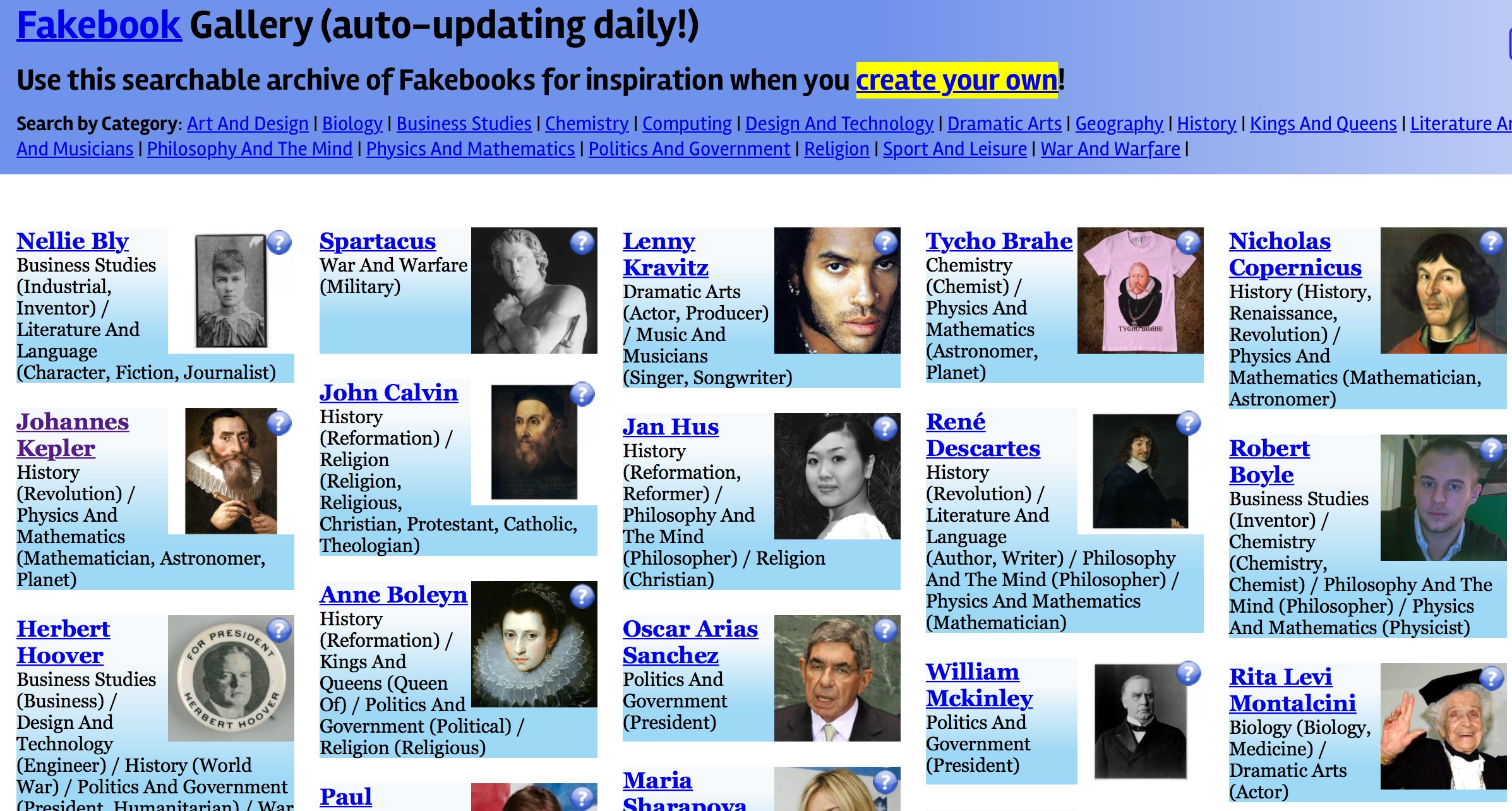
When researching a key character, students could frame and present their findings by creating a fake “Facebook” profile using the Fakebook application at ClassTools.
Using this tool, students can create a timeline of a person’s life, written in the first person and in the present tense (to help prevent ‘cut and paste’ syndrome). They can list ‘friends’ in blocks on the right-hand side, and create fresh blocks for such things as ‘hobbies’, ‘enemies’ and so on. It is even possible to add video clips from YouTube.
You can view the “Fakebook Gallery” here. There is also a startup guide and a suggested mark scheme for Fakebook projects.
Taking it further
- Fakebook walls can be created not just for individuals, but for concepts which have changed over time or between cultures (e.g. democracy, communism), to illustrate the changing relationship between countries (the developing alliance system before World War One). They can be used in chemistry to chart the discovery and application of particular elements, or features of the solar system in physics.
- Give extra credit to students who include threaded ‘conversations’ on the Fakebook ‘Wall’.
- Consider carefully what image would be appropriate for the ‘wallpaper image’.
One thought on “Create a “Fakebook” Profile for a key character”
This is a fantastic idea. Thinking of ways to use it in the ESL classroom.